Forward Calls to an Answering Service: Codes and Setup
Short answer
Most mobile networks accept standard codes: dial **61*number**20# to forward unanswered calls after 20 seconds, **67*number# when busy and **62*number# when your phone is off. **21*number# forwards everything, ##002# cancels all. Verizon uses its own codes, and desk phone systems have a call forwarding menu.
Most failed call forwarding setups have nothing to do with technology. The forward kicks in instantly and the owner wonders why their phone never rings anymore. Or it never kicks in at all because voicemail grabs the call first. If you’re handing calls to an answering service, you almost always want the delayed version. It’s also the one missing from most phone menus.
The four kinds of call forwarding
Mobile networks distinguish four conditions. You can set them independently and combine them.
- Unconditional: every call goes straight to the destination, your phone doesn’t ring.
- No answer: your phone rings for a set time, then the destination takes over.
- Busy: applies when you’re already on a call and call waiting is off, or you decline the second call.
- Unreachable: phone off, battery dead, no signal.
For an answering service, one combination works well for most small businesses. During the day, set no-answer, busy and unreachable to the service. At night and on weekends, switch to unconditional. You pick up when you can and still never lose a caller.
The codes for GSM networks
These codes come from the GSM standard. They work on AT&T and T-Mobile in the US, on EE, Vodafone, O2 and Three in the UK, and across most of Europe. Type them into the phone app like a number and press call. After a few seconds the network confirms with an on-screen message.
| What you want | Turn on | Turn off | Check status |
|---|---|---|---|
| Forward everything | **21*number# | ##21# | *#21# |
| Forward if not answered | **61*number# | ##61# | *#61# |
| Forward if not answered after 20 s | **61*number**20# | ##61# | *#61# |
| Forward when busy | **67*number# | ##67# | *#67# |
| Forward when unreachable | **62*number# | ##62# | *#62# |
| All conditional at once | **004*number# | ##004# | |
| Clear everything | ##002# |
The no-answer delay can usually be set between 5 and 30 seconds in steps of five, which is the range Deutsche Telekom documents. In North America a ring cycle lasts about six seconds, in the UK a double ring takes about three, so 20 seconds is somewhere between three and six rings. Enough to fish your phone out of a pocket.
Always enter the destination in international format, with +1, +44 and so on. That way forwarding still works when you’re roaming.
- Write down the destinationFrom your provider, in
+format. - Dial the no-answer code
61*+1555555012320#and press call. - Add busy forwarding
**67*+15555550123#so second callers reach the service too. - Check the status
*#61#shows destination and delay. - Test itCall from another phone, don't answer, check the message from the service.
Verizon and other non-GSM setups
Verizon historically used its own star codes for forwarding, and its call forwarding help page still lists them: *72 plus the 10-digit number for unconditional forwarding, *73 to cancel, and *71 plus the number to forward only the calls you don’t answer. Verizon also lets you manage forwarding in its app and account portal. Because carriers change these details, check your carrier’s current help page before relying on any code. Many US landlines use *72 and *73 as well, but business lines and cable providers vary.
Phone menus on iPhone and Android
On an iPhone, Settings, Apps, Phone, Call Forwarding gives you a single switch for unconditional forwarding. Conditional options aren’t in the menu. The codes work on an iPhone just the same.
On Android the option sits inside the Phone app’s settings, usually under “Calls” or “Supplementary services”. The label differs by manufacturer. You can set all four conditions there, though not always the delay. If the menu has no seconds field, use the code.
With dual SIM or eSIM, each rule applies only to the line you dial the code from. If your business and personal numbers share a handset, select the right line first.
Desk phones and cloud phone systems
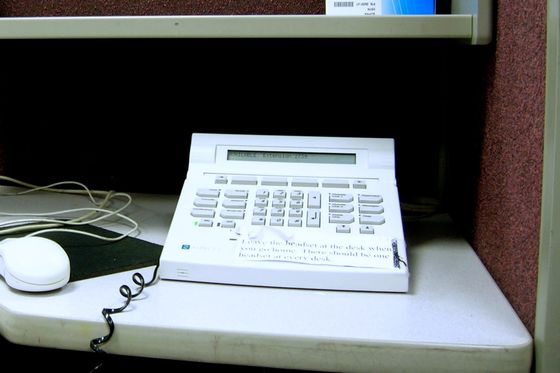
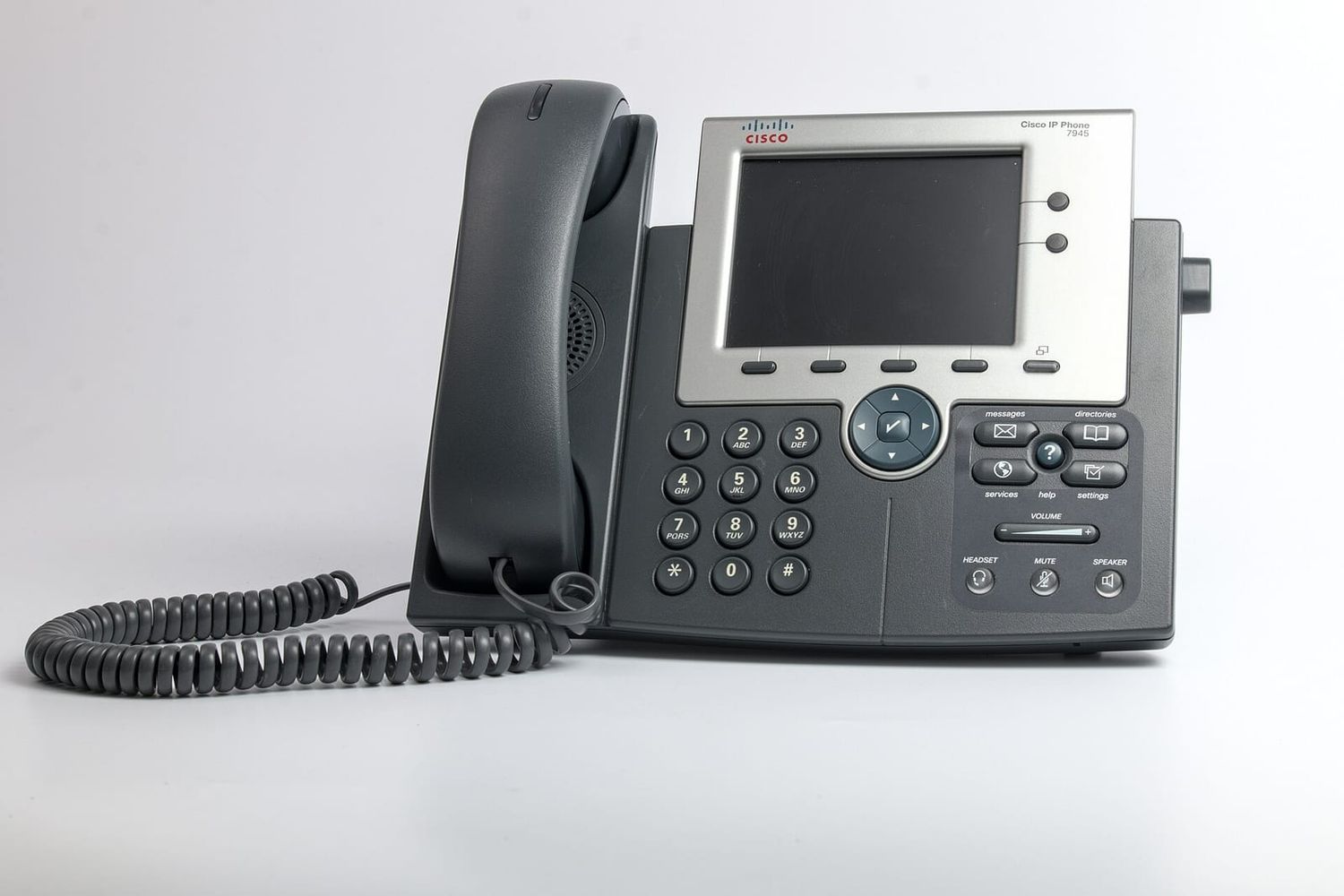
Office phone systems and cloud PBXs handle forwarding in their admin panel instead of with codes. Most offer time-based rules: ring the extensions from 8 am to 5 pm, send everything to the answering service afterwards. That beats remembering to dial a code every evening.
One catch with on-premises systems: forwarding often runs through your own lines. While a forwarded call is in progress, it occupies a line on both legs. If you only have two channels, one forwarded call can block the second.
Call waiting versus busy forwarding
Busy forwarding has a rival: call waiting. With call waiting on, a second caller hears ringing while you hear a beep. Busy forwarding only triggers if you reject the second call or it times out as unanswered.
For people who spend a lot of time on the phone, that’s a bad trade. The second caller waits, you can’t serve them mid-conversation, and they end up at the service anyway, just later. On GSM networks #43# turns call waiting off and *43# turns it back on. After that, every second call goes straight to the number stored with **67*.
What forwarding costs
Setup is normally free. The forwarded leg is billed as a call from your line to the destination. On plans with unlimited domestic calling that usually means nothing extra. Costs appear when you forward to an international number, to premium-rate numbers, or while roaming, where the network may route the call to you abroad and back home again.
Before you set it up, check what kind of number the answering service gives you. It should be an ordinary geographic or toll-free number in your country. If not, ask for one.
Common mistakes
- The forward fires instantly because the code went in without a delay and the network applied its default.
- Voicemail still wins because an older rule with a shorter delay is active.
*#61#shows what’s really stored. - A SIM swap or plan change wipes every rule.
- A typo in the destination sends your callers to a stranger. That’s why the test call isn’t optional.
After forwarding: brief the service
Forwarding is the easy bit. The service also needs a short script and clear rules on what counts as urgent. The piece on answering services for contractors shows how that looks for a business with emergency call-outs, and the overview of virtual receptionist costs compares the billing models. If you’d rather put a voice AI on the line, you forward in exactly the same way, just to the number of the AI receptionist. Assistants of that kind, tied into calendars and CRMs, are something OnlineBuilders builds for businesses.
Take five minutes now. Dial *#61# and *#21# on your work phone and see what’s set. Plenty of people find a rule they created years ago and forgot about.
Step by step
- Get the destination number Ask your answering service for the number to forward to and write it in international format, for example +1 or +44 followed by the number.
- Pick the forwarding type Decide whether calls should forward immediately, after a few seconds without an answer, when you are busy, or when your phone is unreachable.
- Dial the code Enter the code in your phone app, for example **61*+15555550123**20# for a 20-second delay, and press call.
- Check the status Dial *#61# or *#21# to see what the network has stored. The answer appears as a message on screen.
- Make a test call Call yourself from another phone, don't answer, and confirm the call reaches the service after the delay you set.
Questions people ask
Does call forwarding cost extra?
Setting it up is free on most networks. The forwarded leg is billed as if you had called the destination yourself, so on a plan with unlimited domestic calls it usually costs nothing. Forwarding to international or premium numbers, or while you are roaming, can get expensive.
Why did my voicemail stop working?
Voicemail is itself a conditional forward. Setting no-answer or unreachable forwarding to another number overwrites it. To get voicemail back, point the forwarding at your carrier's voicemail number again or reset with your carrier.
Do these codes work on an iPhone?
Yes, on GSM-based carriers the network interprets the code, not the handset. The iPhone settings menu only offers unconditional forwarding, so you need the code for delayed forwarding.
How do I turn all forwarding off?
Dial ##002# and press call on GSM networks. That clears every forwarding rule, often including voicemail. On Verizon, *73 cancels forwarding.